
Resetting a User Password
If you are looking for an easy way to reset a users password. You can use this step by step process. Alternatively, if you are looking to Reset Voicemail PIN, you can follow that guide.
User Forgot Password Link
As a note, there is a forgot password link on the login page. Users can enter their extension@companyname and an email will be sent directly to them.
Reset User Password
1. Log into your manager portal.
2. Select the user you wish to update.
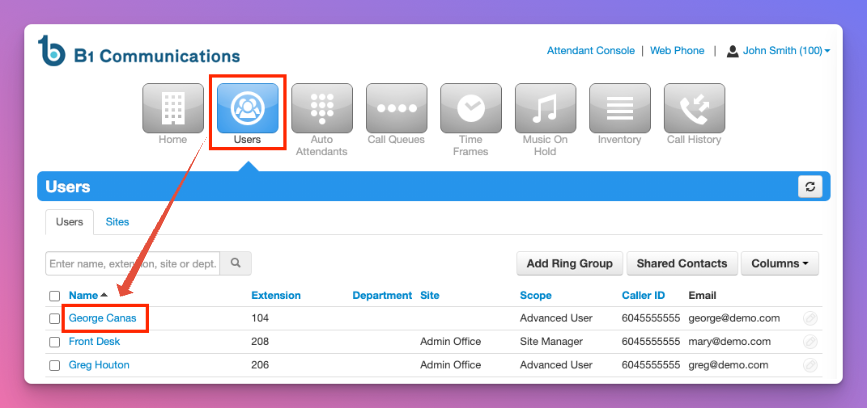
3. On the users sub-menu, select 'advanced'
4. Send 'Welcome Email'
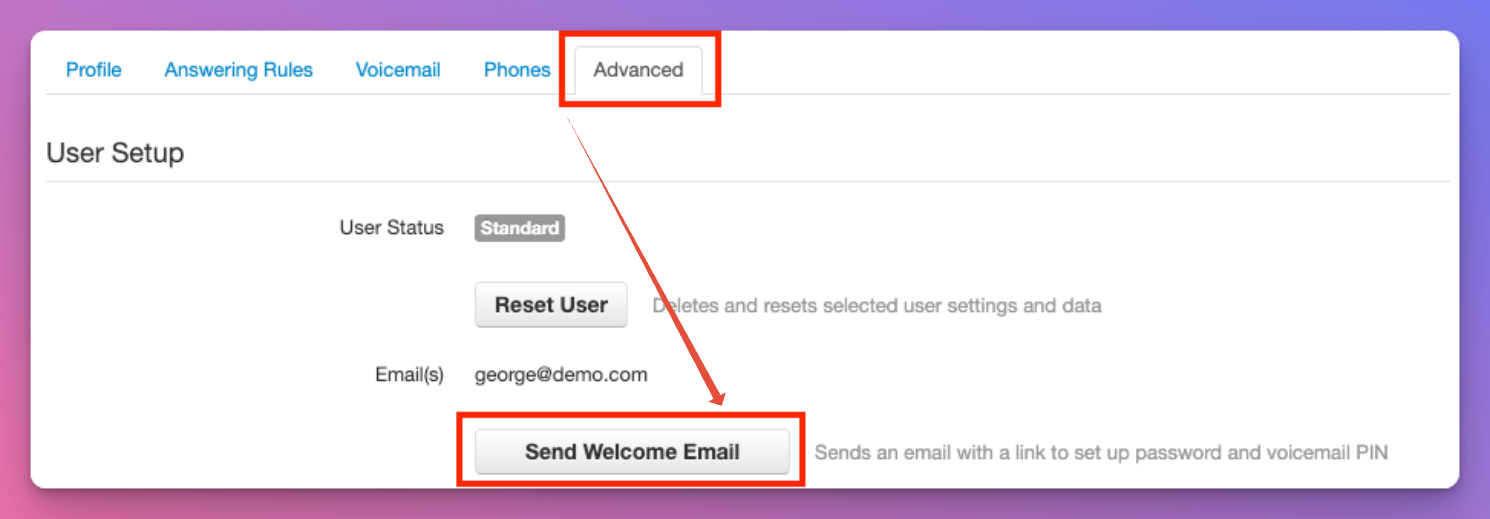
5. The user will get a welcome email from system@portal.b1communications.ca with a link to update their password. Your work is done.